Prince William County Public Schools
Instructions for Accessing Test Results
Families can access assessment results for Standards of Learning (SOL) and WIDA ACCESS in the Test History section of ParentVUE, and detailed assessment results for SOLs and the Virginia Alternate Assessment Program (VAAP) through the Virginia Assessment Parent Portal.
Test History in ParentVUE
Standards of Learning (SOL) and WIDA ACCESS test results are available in ParentVUE. This page provides directions for how to access a student's scores. Before logging in to ParentVUE, families should note that some test scores from the past may not be available.
For more information about how to interpret a student’s performance level on SOL tests, please visit the Virginia Department of Education website.
For more information about how to interpret an English learner’s performance on the ACCESS test, please visit the WIDA resources website.
How to Access Test History in ParentVUE
-
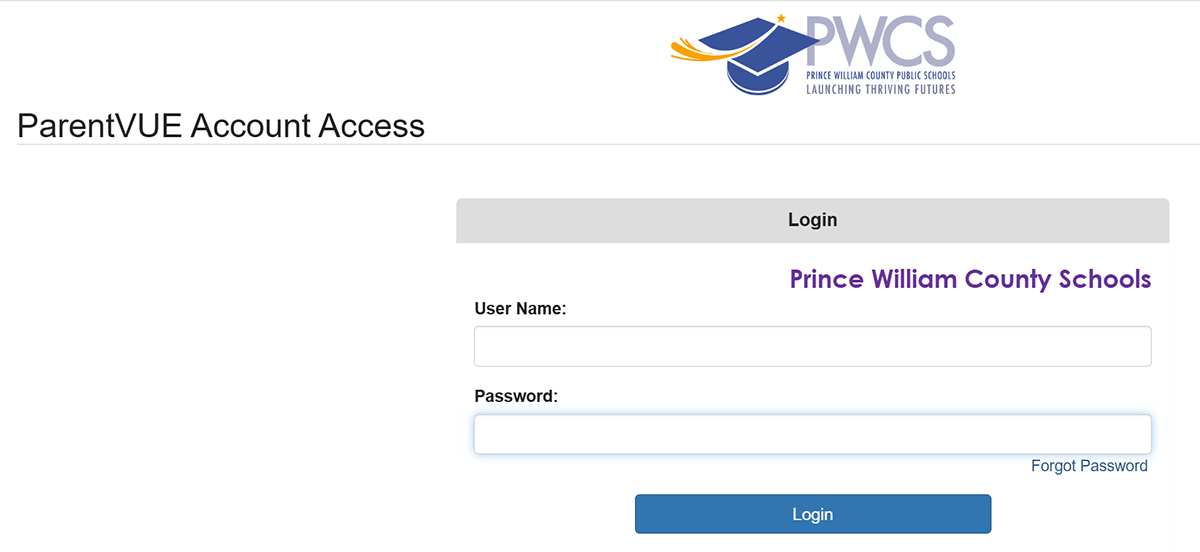
Log in to your ParentVUE account
-
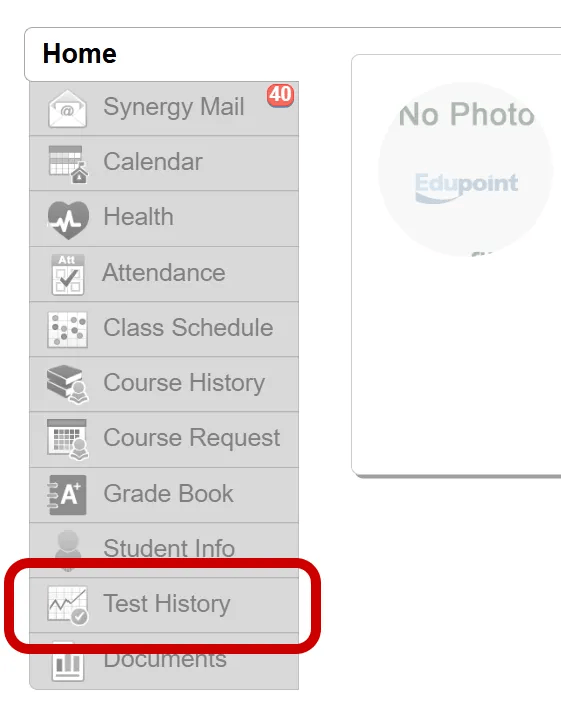
Select the Test History menu item
-
View the Test History
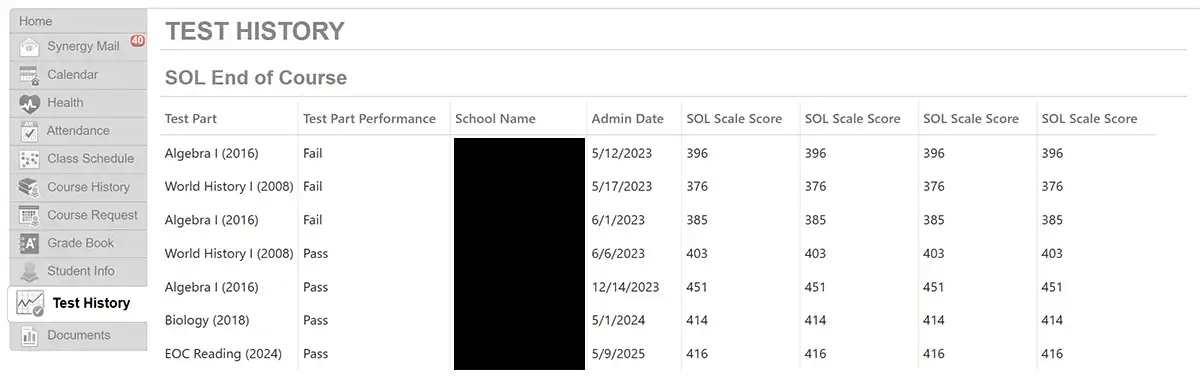 The Test History page displays your student's SOL test history and ACCESS scores (if your student is an English learner and participated in ACCESS testing). This page will display the name of the tests that your student took (Test Part), your student's performance on a test (Test Part Performance), the school where your student tested (School Name), the date of the test (Admin Date), and the scaled score that your student received. Above is an example of what you will see. As you review your student's scores, please note that some may appear with values after a decimal (.00) and others may not because of how data were shared in the past. Moving forward, all scores will share the same format.
Virginia Assessment Parent Portal Test Results
Beginning in Spring 2026, PWCS parents and guardians can access their student’s SOL and Virginia Alternate Assessment Program (VAAP) performance information through the Virginia Assessment Parent Portal provided by the Virginia Department of Education, in addition to the Test History section of ParentVUE.
Parent Reports available through the portal provide additional information about student results. These reports include detailed question-level information showing how the student performed on each question and the level of difficulty.
Note: Results in the portal are updated each Friday from tests conducted the prior week.
Create a Virginia Assessment Parent Portal Account
If you've already created a Virginia Assessment Parent Portal account, please skip to the Log in to the Virginia Assessment Parent Portal Account and View Test Results section.
-
Go to the Virginia Assessment Parent Portal
-
Create a new account
Click Sign Up.
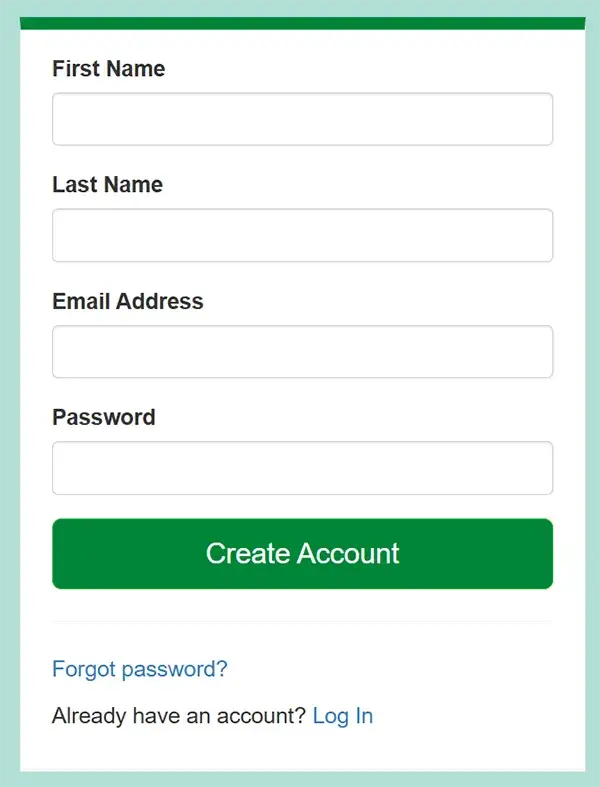
Enter the following information:
- First Name
- Last Name
- Email Address
- Password
Click Create Account.
-
Confirm your account
Go to your email inbox to find the registration email to confirm your account creation.
- Subject: Please Confirm Your New Account
- From: PearsonAccessNext System Message <[email protected]>
Check your spam folder if the email is not in your inbox.
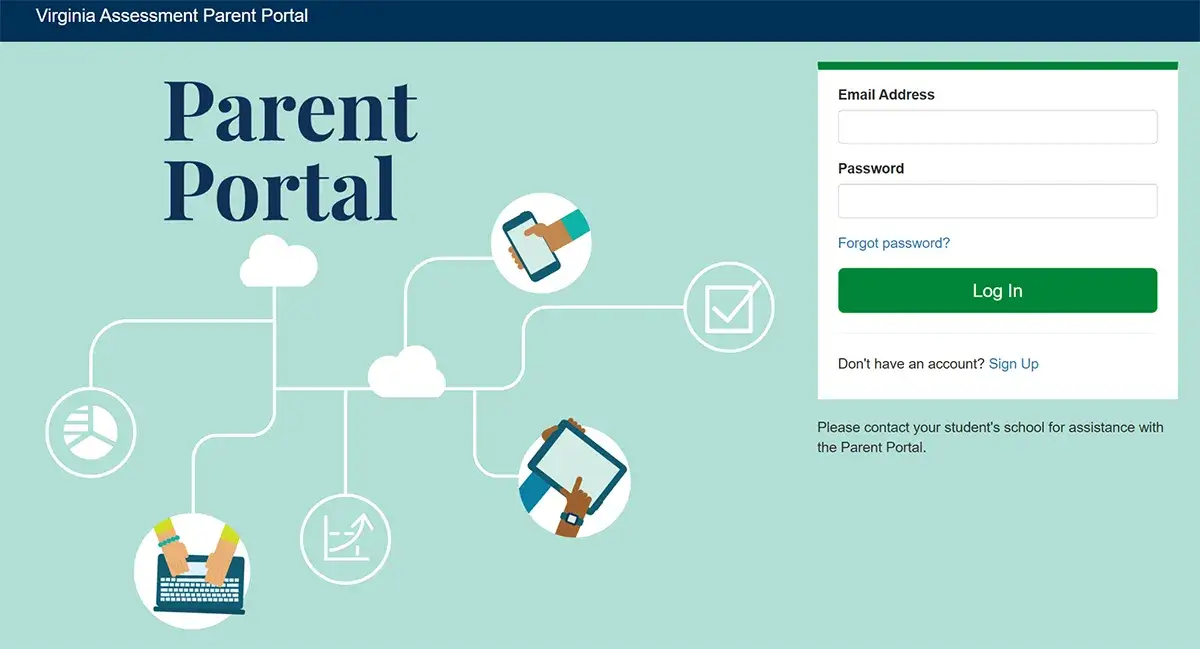
Log in to the Virginia Assessment Parent Portal Account and View Test Results
-
Go to the Virginia Assessment Parent Portal
-
Log in to the Virginia Assessment Parent Portal
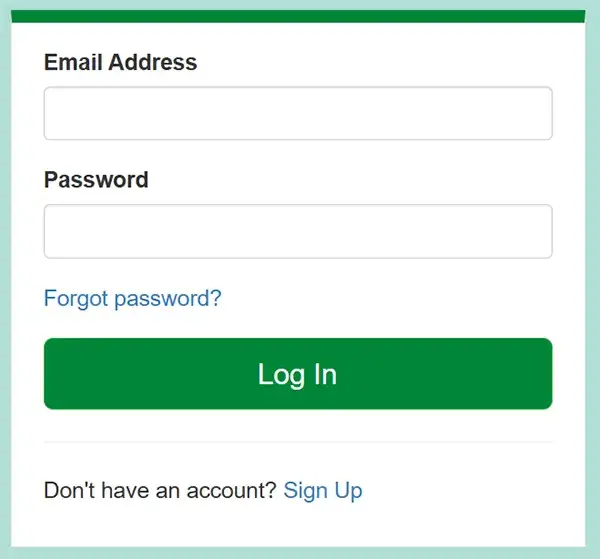
Enter your email address and password, and click Log In.
-
Log in to Your ParentVUE account
-
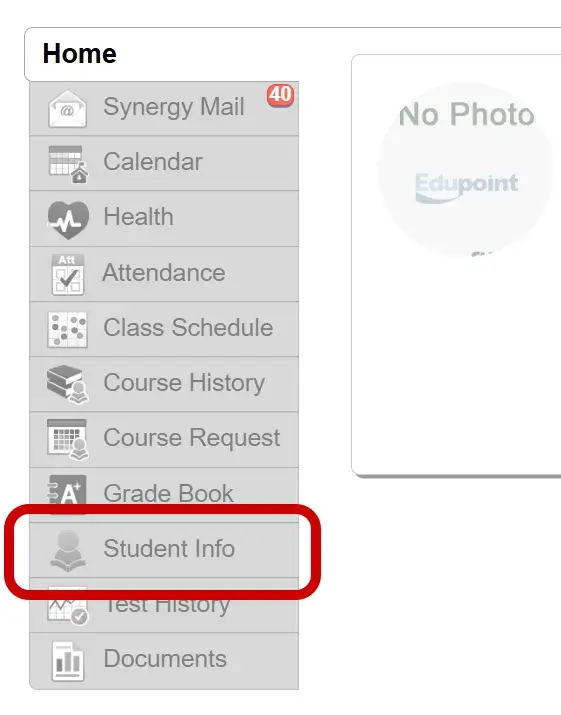
Select the Student Info menu item in ParentVUE
If you have more than one student, select the appropriate student first.
-
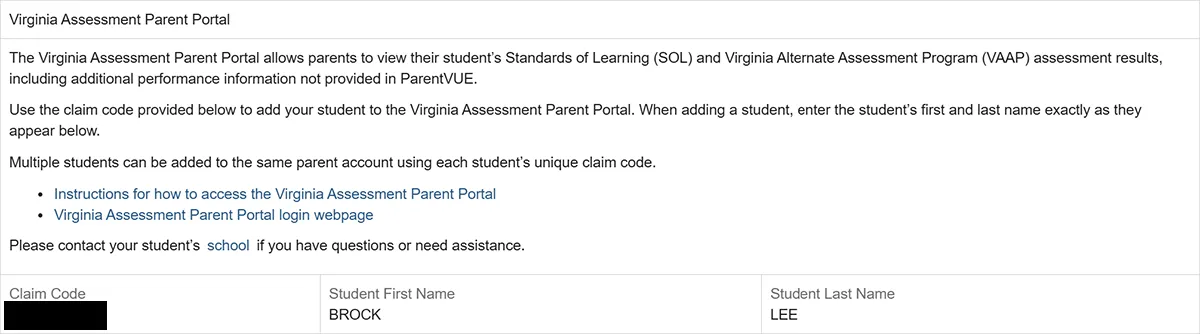
Go to the Virginia Assessment Parent Portal section of the Student Info screen
Scroll to the bottom of the Student Info section until you find the Virginia Assessment Parent Portal section.
In this section, you will find the Claim Code and the first and last name of your student required for the next step.
-
Add your student in the Find Test Results section in the Virginia Assessment Parent Portal
Return to the Virginia Assessment Parent Portal.
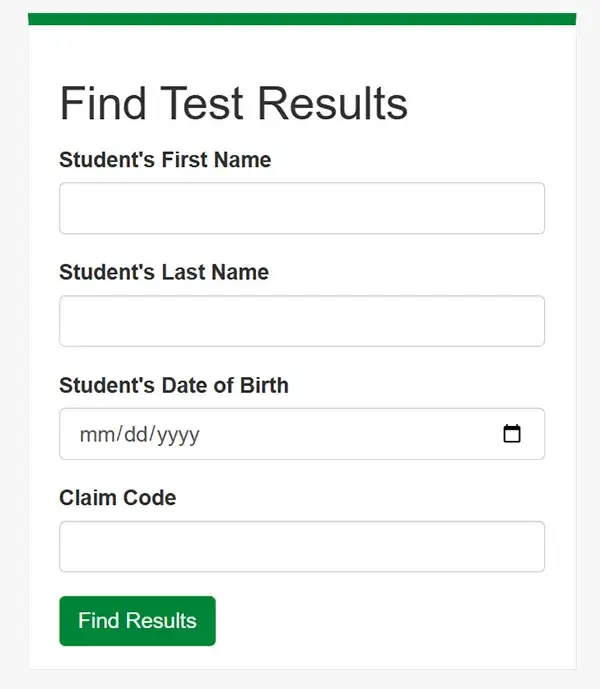
Go to the Find Test Results section and enter the following:
- Student's First Name
- Student's Last Name
- Student's Date of Birth
- Claim Code
Click Find Results to complete the process of adding your student.
-
Repeat steps 4-6 to add additional students
-
View test results
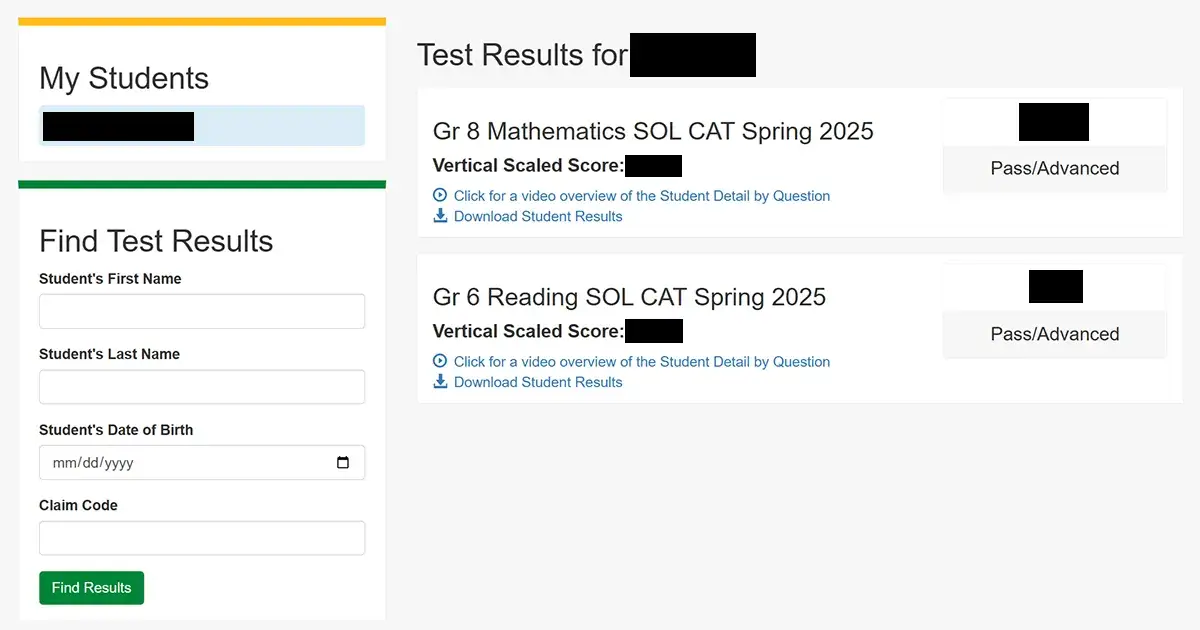
In the Virginia Assessment Parent Portal, you can see the following:
- Assessments taken by each student
- SOL score and performance level
In addition, for each assessment, you can see additional detailed information by clicking the Download Student Results link.
Who Should I Contact if I Have Questions?
Questions about ParentVUE, your student's test history, and the Virginia Assessment Parent Portal should be directed to the school that your student is currently attending.