Prince William County Public Schools
Apps & Technology
At PWCS, technology supports learning, communication, and organization in and out of the classroom. To help families stay connected and students stay on track, we use a variety of trusted digital tools.
Preparing Students for a Digital World
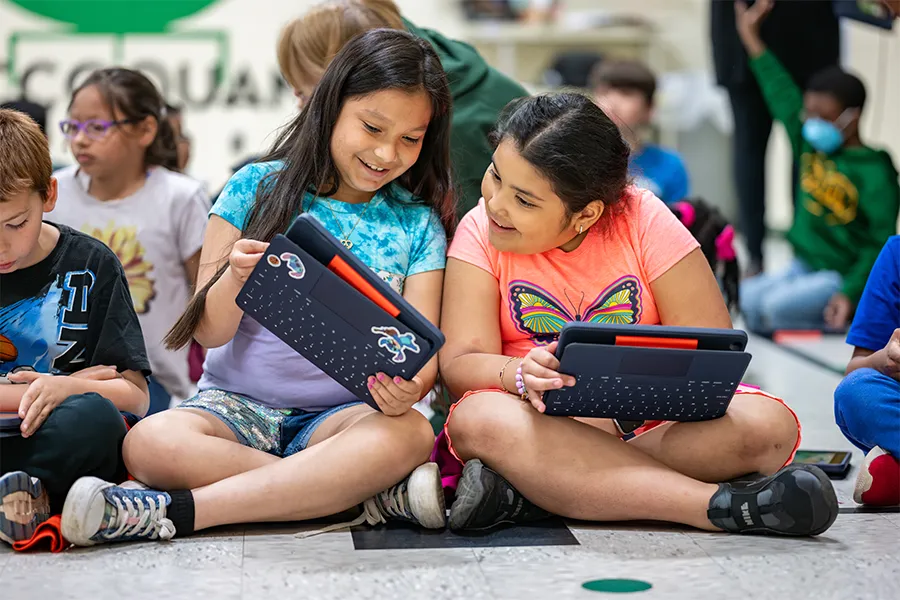
PWCS integrates technology into teaching and learning so students can build skills, collaborate, and explore ideas in meaningful ways. Every K-12 student is assigned a school-issued device to support learning both in and beyond the classroom.
- Instructional technology embedded across subject areas
- 1:1 student devices for consistent access to digital learning
- Tools that enhance collaboration, creativity, and critical thinking
- Digital citizenship and responsible use practices
Learning Platforms & Student Tools
Our teachers and specialists use a variety of tools to enhance instruction in and out of the classroom.
Family Access & Monitoring Tools
These tools help families stay informed and connected to their student’s school experience. From grades and assignments to transportation and payments, families can access important information in one place.
Student Device Program
PWCS provides school-issued devices to all K-12 students to support learning at school and at home. These resources provide information about device expectations, insurance options, and internet access support.
Digital Safety & Innovation
PWCS promotes responsible technology use while thoughtfully integrating emerging tools into learning. These resources provide guidance on digital citizenship and the role of artificial intelligence in instruction.
Tech Support
Support resources are available to help students and families resolve technical issues and maintain access to PWCS systems and accounts.
School Meals Tools
These digital tools provide access to school menus, nutrition information, and online meal payments to help families plan and manage student meals.